
What and how it can be used:
The Web Search component enables AI agents to search the internet in real-time and retrieve current information from web sources. It connects to search engines to find relevant web pages, articles, and data, allowing the agent to access up-to-date information beyond its training data.
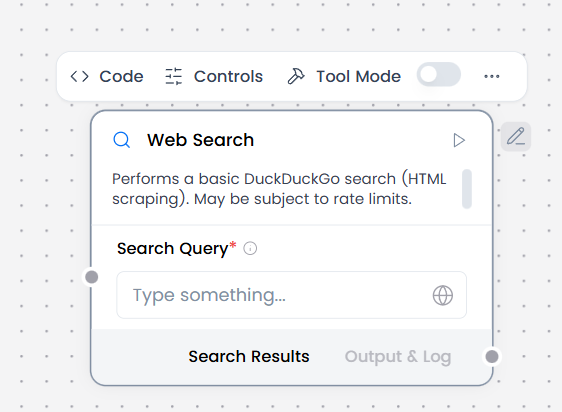
When/how the component should be used:
- Use for current information beyond knowledge cutoff
- Use for fact verification and research
- Use for general web lookup.
- Provide a search query as Chat Input or from a Prompt Template.
- Receive structured search results (titles, snippets, URLs) in the output component e.g Chat Output.
- Can be combined with a Language Model to summarize search results or answer questions.
Connections with other components:
- Chat Output
- BatchRun
- DataFrame Operations
- Parser
- Save File
- Split Text
- Type Convert
- Loop
- Notify
- ChromaDB
In tool mode:
- Agent Core
- Human-in-the-loop
Configurable settings:
- Search Query
Default settings:
- Search Query
Control Section:
- Search Query
- Timeout
- In tool mode, there are actions
Default values:
- Timeout = 5
- Actions = PERFORM_SEARCH
Desired Behaviour:
- Limited, relevant results
- Clear attribution