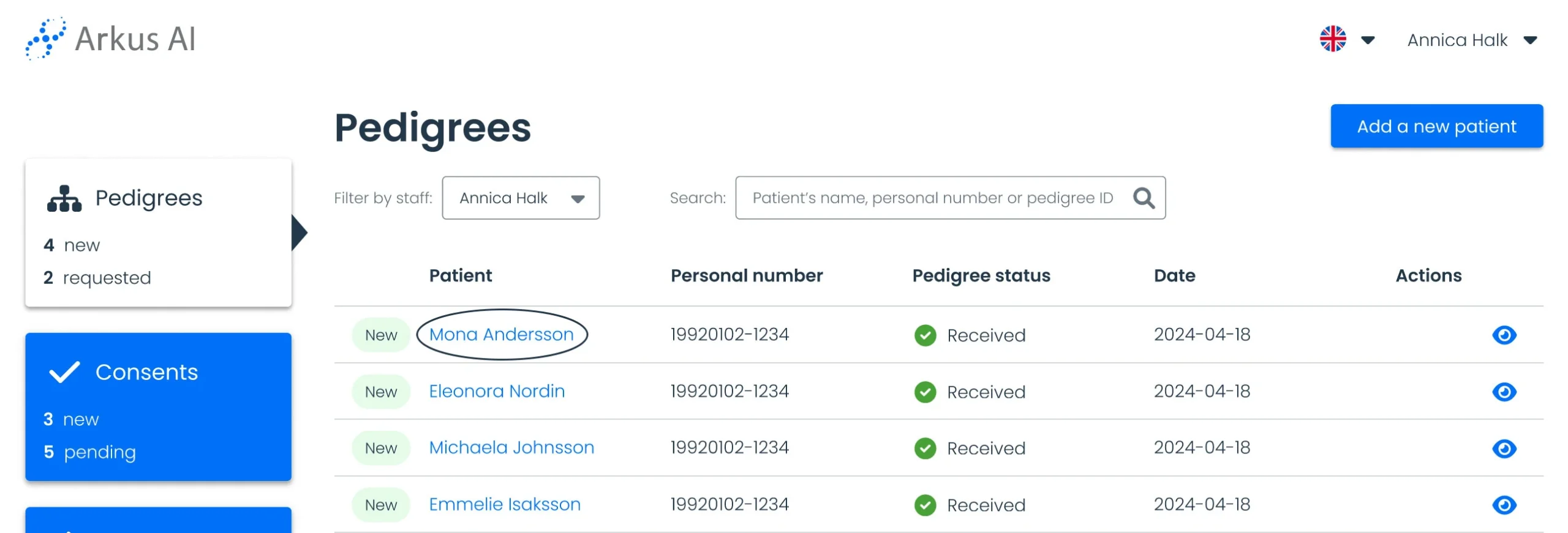
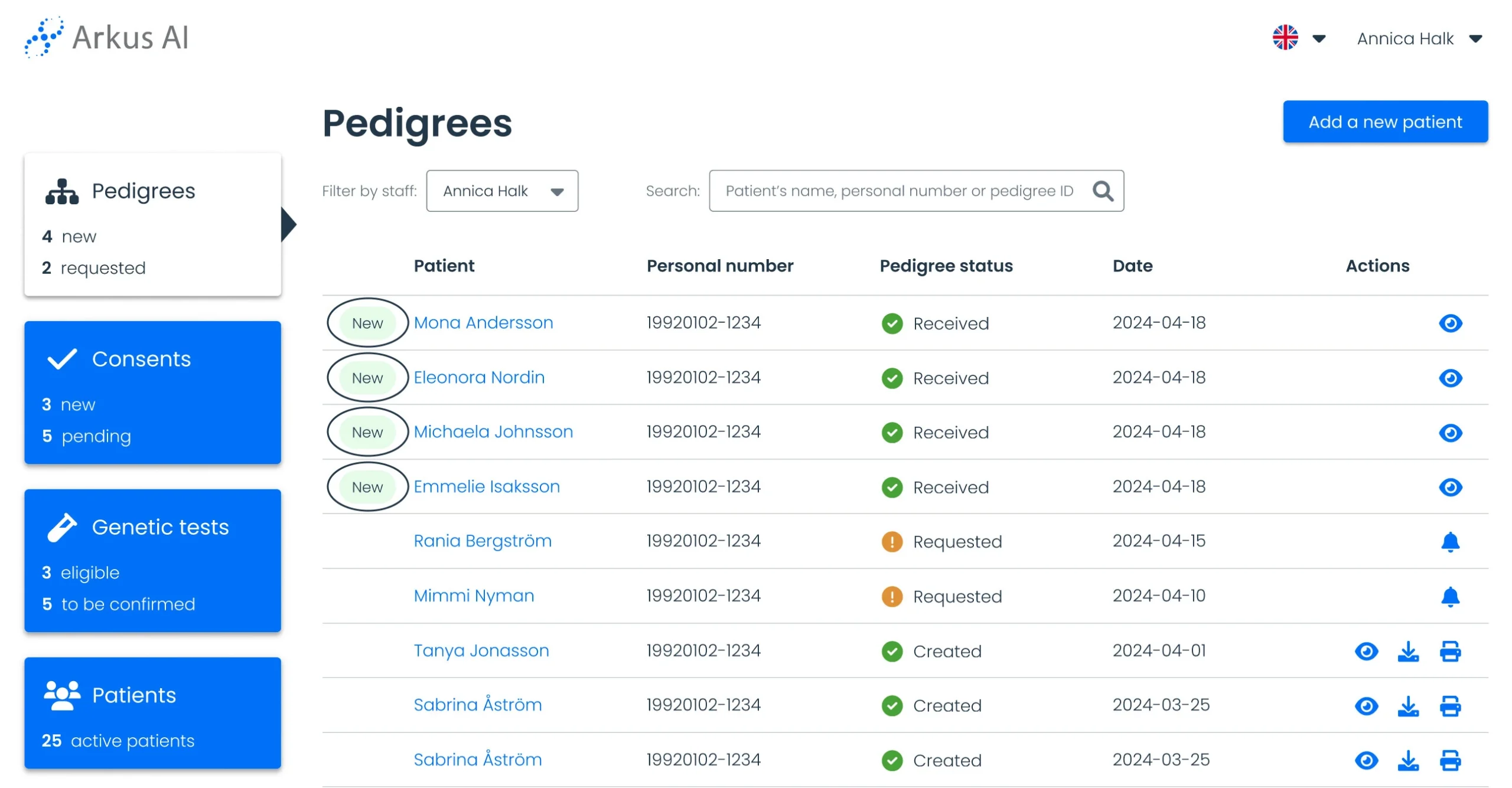
Find recent patient updates
When a new update is received from a patient, a “New” tag will appear next to their name in the Pedigree or Consent list. This tag will remain until a staff member views the update.
Click on the patient’s name to open their record and review the update.