Send a reminder for a pending consent request
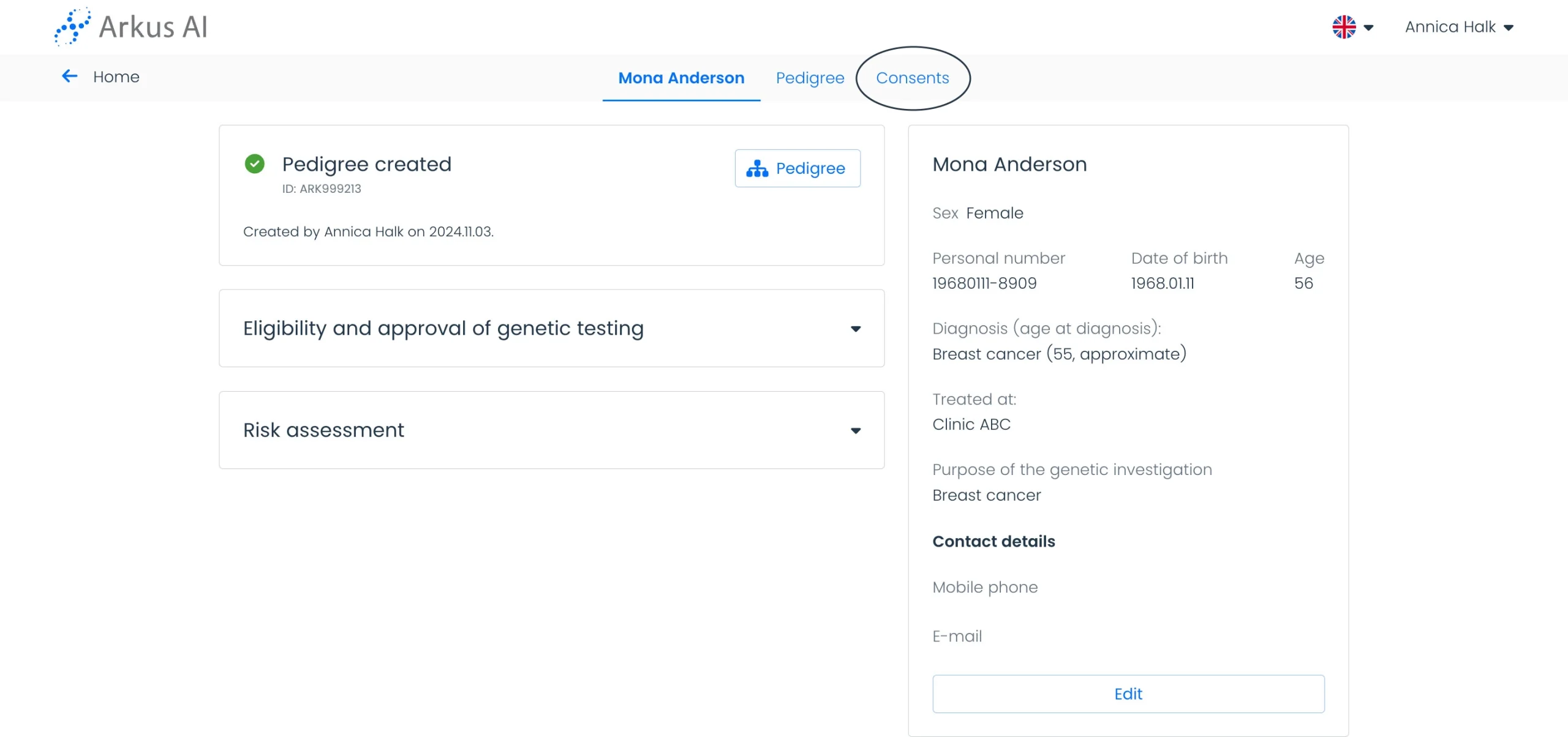
On the patient page, access the “Consent” top menu.
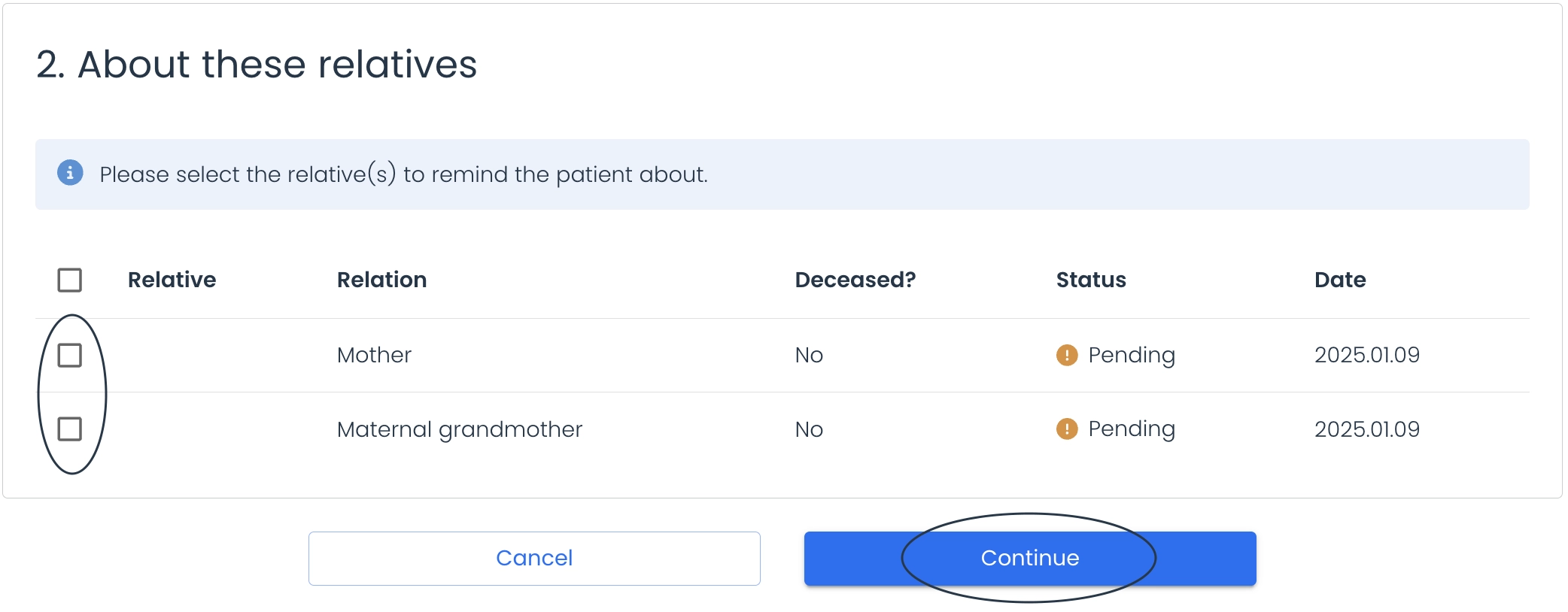
On the Consent page, select relatives and click “Continue”.
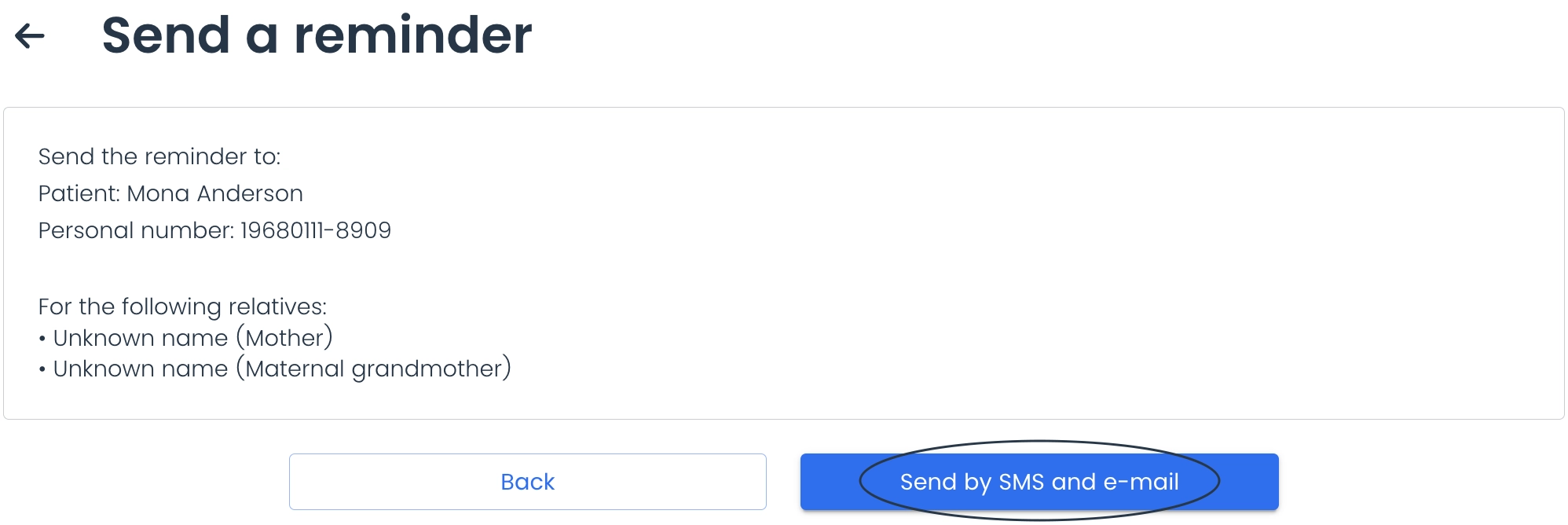
Review the details, then click “Send by SMS and email” to send the reminder.
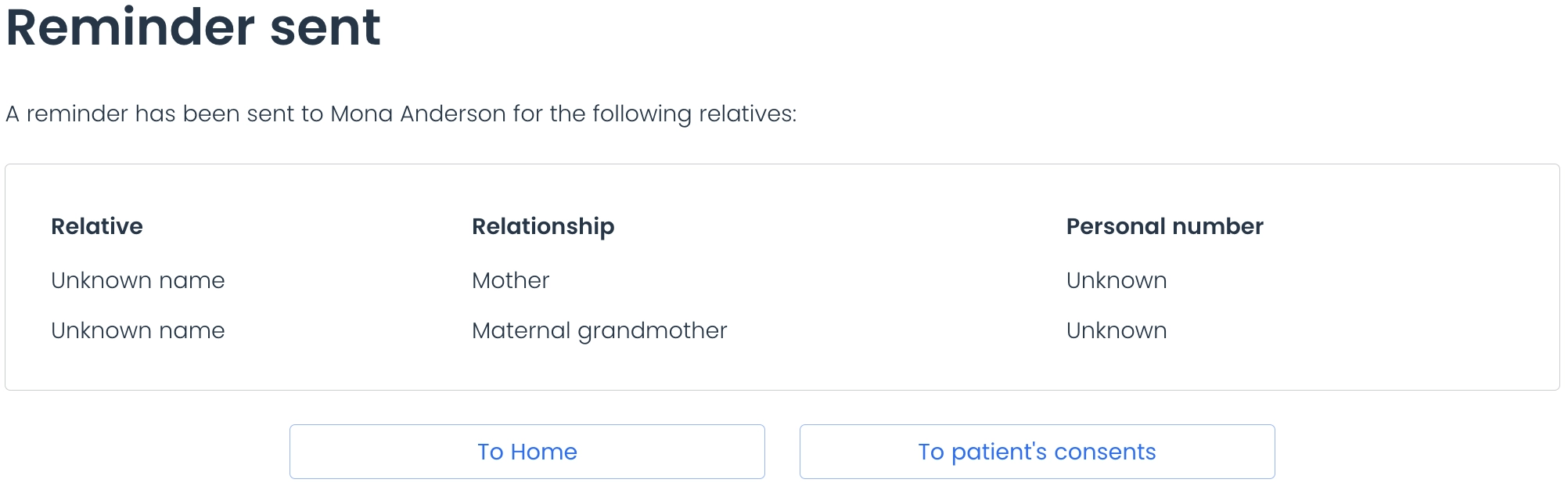
Wait for the confirmation screen to appear, then use the buttons to return to the Dashboard or Consent Page.